For your business
Customer service for webshops selling B2B, where the business customer's balance, invoices and sales orders sit beside the conversation
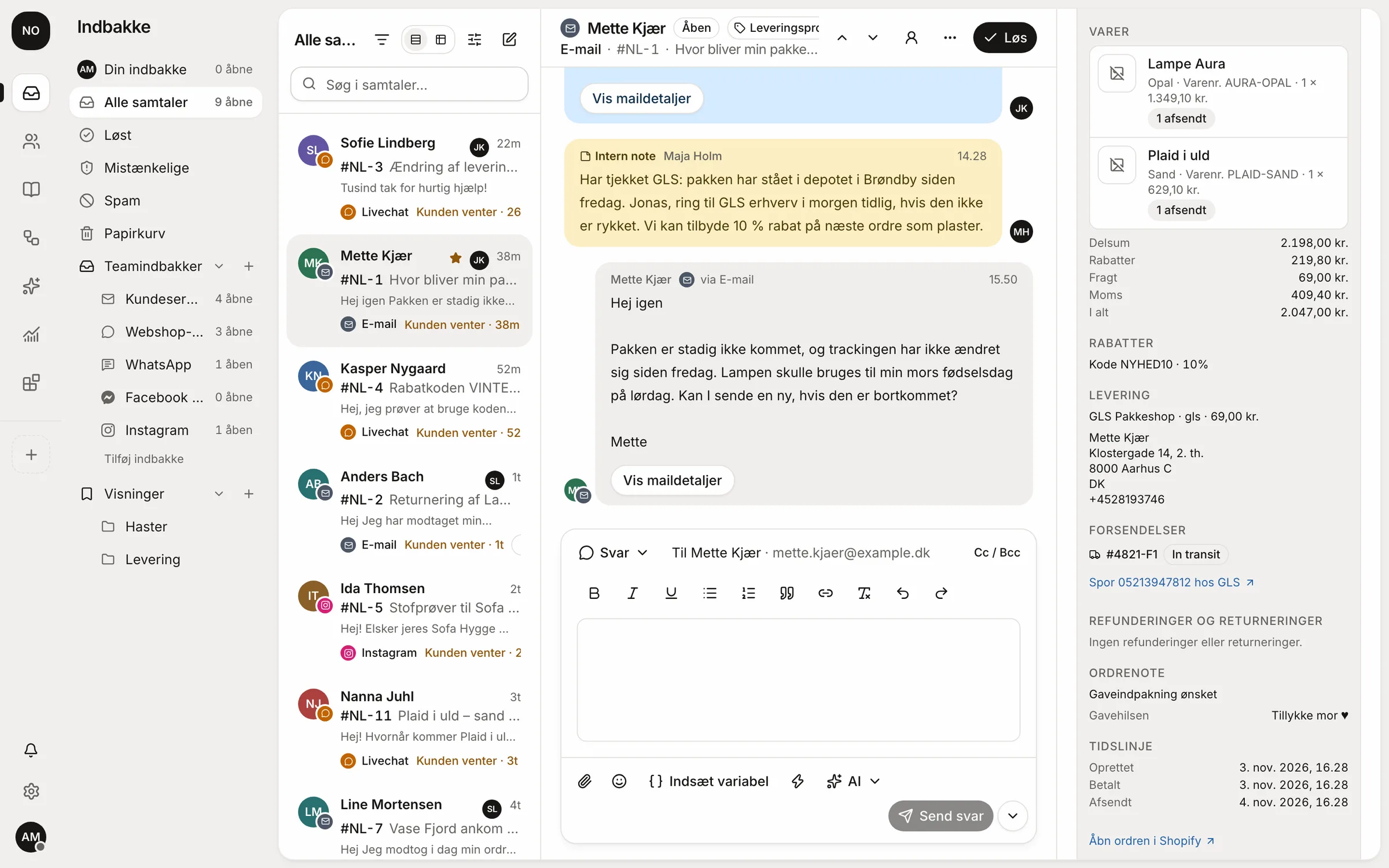
Respoe fetches balances, overdue invoices and credit notes from e-conomic and open sales orders and invoices from Business Central, so the team can answer the business customer without asking accounting.
Before and after
What an invoice question looks like before and after e-conomic sits beside the conversation
The example is a made-up business customer asking about an overdue invoice. The steps are a typical workflow, not a measurement.
Without the order beside the conversation
4 steps- 1Forward the question to accounting
- 2Wait for someone to look the customer up in e-conomic
- 3Get the invoice as a PDF by email
- 4Write the reply to the customer with the invoice attached
With Respoe
2 steps- 1Balance and overdue invoices sit beside the conversation and on the company
- 2Attach the invoice PDF straight to the reply
Guide
How to give business customers fast answers on invoices, balances and orders without going through accounting
B2B customers often ask about money, and the answer is in the accounts, not in the webshop.
- 01Link contacts to the companySeveral people from the same company write in. Balance and invoices should show on the company whoever writes.
- 02Give customer service read access to the accountsBalance, overdue invoices and credit notes are what business customers ask about. Read access is enough to answer.
- 03Make credit notes need a second personA credit note is money leaving the business. Create it as a draft and let an admin approve before it's booked in the accounts.
- 04Look up the company in CVR when it's newName and address from the CVR register save back-and-forth questions with new business customers.
- 05Write the payment terms in an articleCredit terms, reminder fees and how to get a copy of an invoice should be in one place so team and AI answer the same.
Templates
Reply templates for business customers that you can copy and adapt
Replace the fields in square brackets. In Respoe the customer's name and order number are filled in automatically once the template is saved as a saved reply.
Hi [first name]

Here's a copy of invoice [invoice number] for [amount], due [due date]. It's attached as a PDF.

Best regards
[your name]
Hi [first name]

I can see that [company name] has an overdue balance of [amount] across [number] invoices. I've attached them here. Do write if something doesn't add up, and we'll look into it.

Best regards
[your name]
Checklist
Checklist for customer service for business customers
Common mistakes
The mistakes we see most often and how to avoid them
- Sending every invoice question to accountingIt makes the reply slow and fills accounting's day. With read access customer service can answer itself.
- Letting one person create and book credit notesRequire a second person so mistakes and misuse are caught before the money is gone.
What Respoe does for you here
How Respoe helps with what the guide describes without you having to build it yourself
Balance and overdue invoices
From e-conomic beside the conversation and on the company, with PDF and credit notes.
Sales orders from Business Central
The customer's open sales orders and the last 12 months of invoices.
The invoice in the reply
Attach an invoice PDF from e-conomic straight to the reply draft.
Credit notes need approval
A credit note is created as a draft and needs a second admin; Respoe never books it.
CVR lookup
Look up the company's details in the CVR register beside the conversation.
Webshop orders too
Orders from the webshop sit beside the same conversation as the ERP data.
Business Central and e-conomic beside the customer are on the Pro plan.
Integrations
The systems that belong with this way of working





Pricing
You pay one price for the whole team, and you can try everything free for 14 days without a card
Start
$149 / mo
3 users · 500 AI replies · 1 webshop
Team
$299 / mo
10 users · 1,000 AI replies · 3 webshops
Pro
$599 / mo
25 users · 2,000 AI replies · unlimited webshops
Questions we often get about this
Can Respoe book entries in e-conomic?
No. Respoe can create a credit note draft, which needs a second admin. Booking always happens in e-conomic.
What can Respoe change in Business Central?
The external document reference on a sales order. It is off by default and always needs approval.
How do we look up a company?
With cvrtool.dk you look up the company by CVR number beside the conversation, and the result is kept for 24 hours.
Try Respoe free with your own inbox for 14 days
Connect your email and webshop, invite the team and answer from Respoe the same day.
- No card needed
- Priced per team, not per seat
- Danish support