Mobile
Answer customers from your phone, also when you're in the warehouse
Add Respoe to your home screen from the browser and get notifications when a conversation is assigned to you. Apps for the App Store and Google Play are on the way.
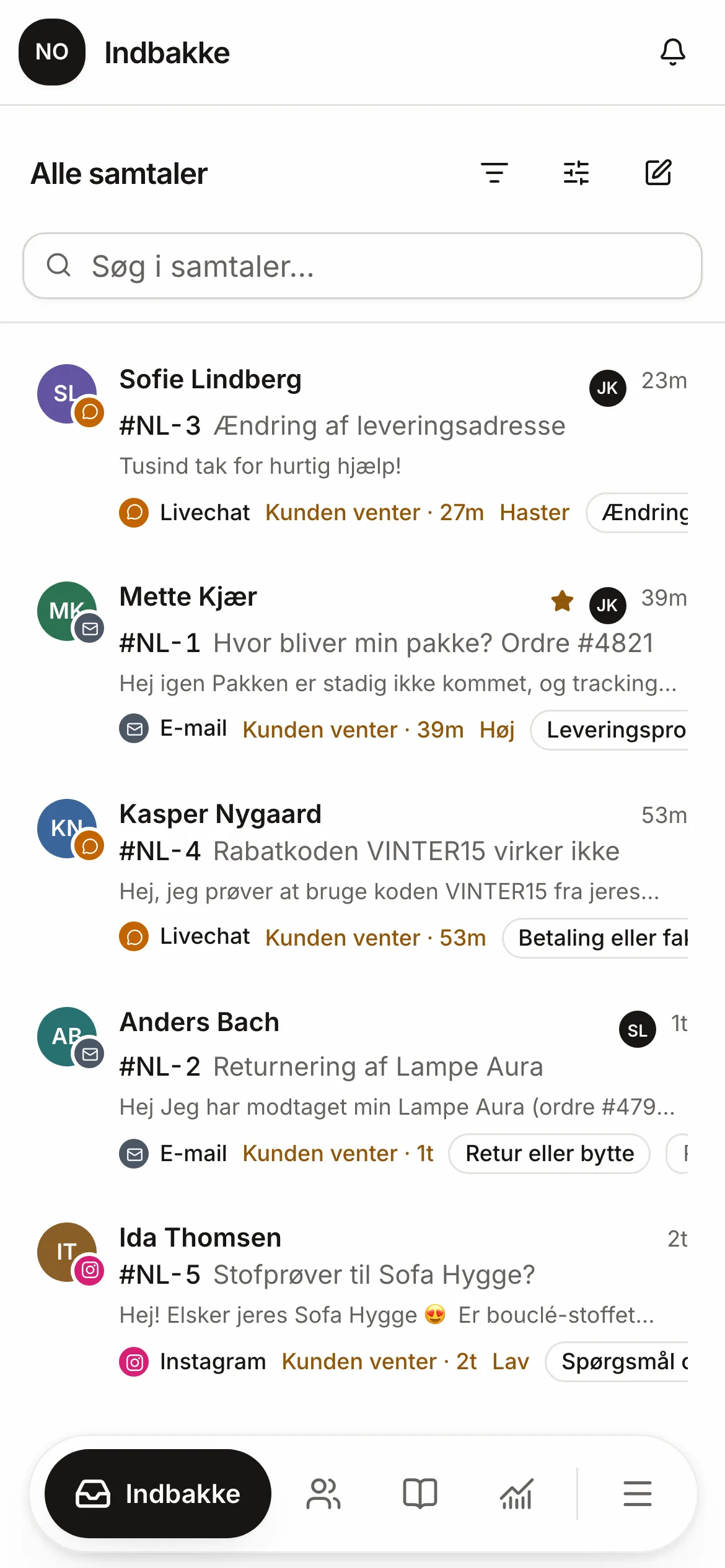
Works today
Four taps from browser to app.
Respoe installs from the browser as an app with its own icon, full screen and notifications.
iPhone · Safari
- 1Open app.respoe.com in Safari and sign in
- 2Tap the Share button
- 3Choose “Add to Home Screen”
- 4Open Respoe from the icon and allow notifications
Android · Chrome
- 1Open app.respoe.com in Chrome and sign in
- 2Tap the three-dot menu
- 3Choose “Install app”
- 4Allow notifications
Notifications
A ping when it's your turn.
Get notified when a conversation is assigned to you or a colleague mentions you. The notification doesn't show the customer's message, so nothing personal sits on the lock screen.

On the way
Apps for the App Store and Google Play.
Face ID and fingerprint
The app locks when it isn't in use.
The camera straight into the conversation
Take a photo of the item in the warehouse and send it to the customer.
Native notifications
Through Apple's and Google's own services, without the customer's content.
Questions and answers
Is Respoe in the App Store and Google Play?
Not yet. Apps for iPhone and Android are built and on the way. Until then, add Respoe to your home screen from the browser and get notifications that way.
Is the customer's message in the notification?
No. The notification says there is something for you, such as a new conversation or a mention. You see the content only when you open Respoe.
Does mobile cost extra?
No. It's included in every plan.
Try Respoe free with your own inbox for 14 days
Connect your email and webshop, invite the team and answer from Respoe the same day.
- No card needed
- Priced per team, not per seat
- Danish support